Projects
# nvim
My keyboard-first Neovim setup with Nix
## My editor setup
Yes, I know how to quit Neovim. I just don't want to.
This is my personal configuration and one of the projects I'm most fond of. As I wrote in my [guide to basic Neovim commands](/blog/basic-commands-for-neovim/): once you try it, there's no going back.
## What it includes
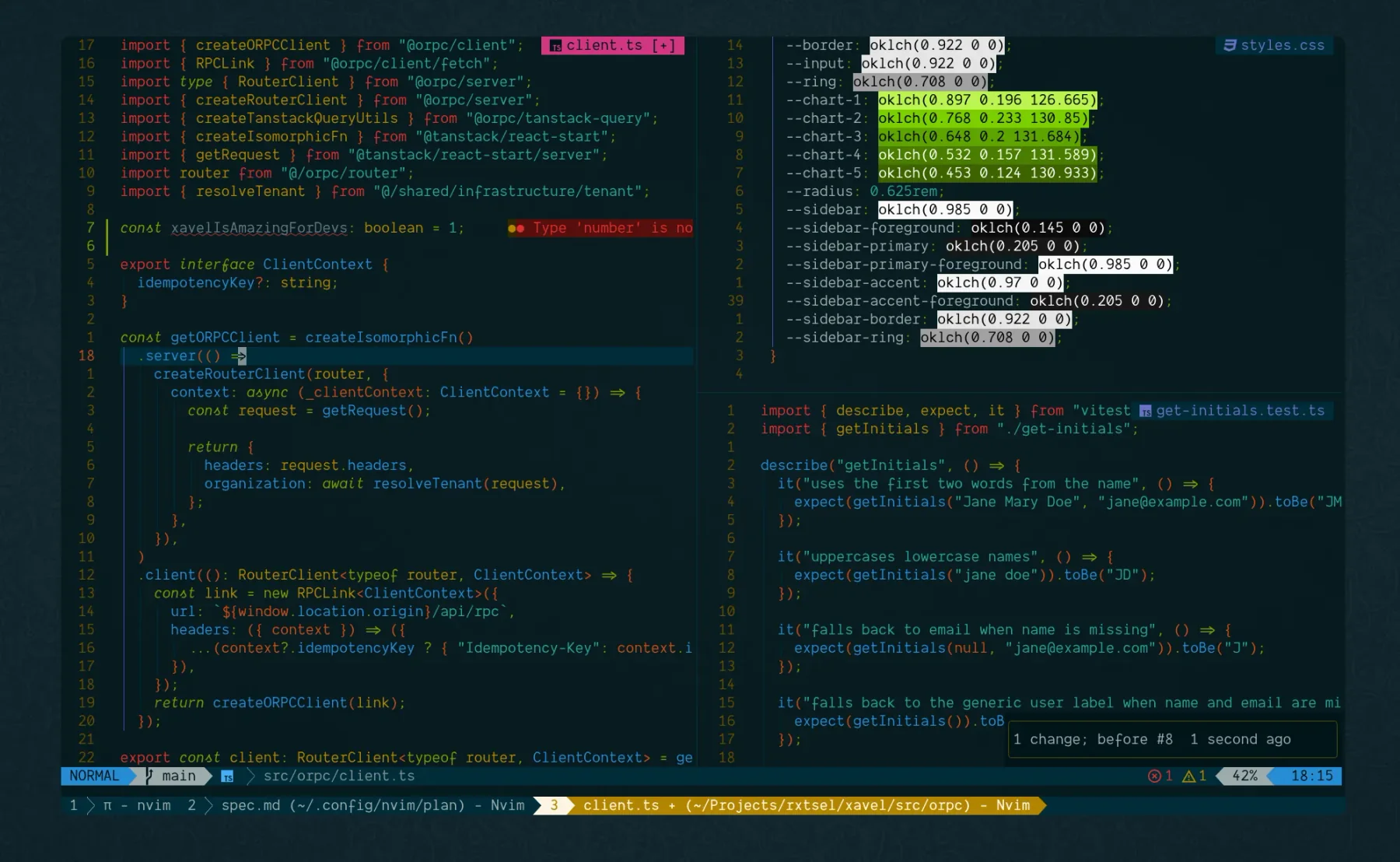
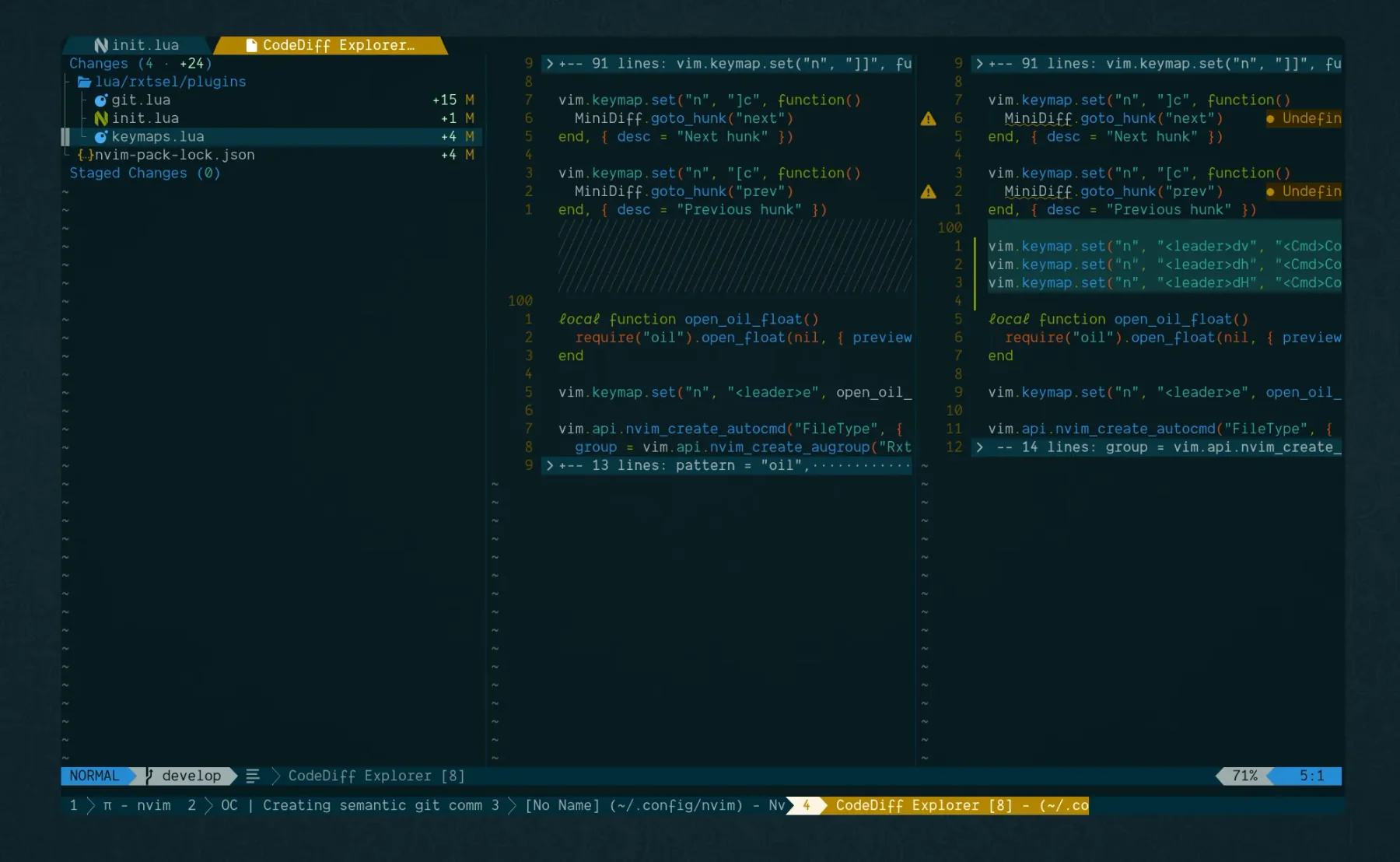
The setup brings together language servers, formatting, Tree-sitter and Git tools. The repository also documents the key bindings.
## With or without Nix
You can try it with `nix run github:rxtsel/nvim` without replacing your existing configuration. The Nix package supplies Neovim and its command-line tools and keeps its data separate. There is also a manual installation path; back up your configuration before using it.
## Built with
Linux · Lua
https://github.com/rxtsel/nvim
Screenshots
My editor setup
Yes, I know how to quit Neovim. I just don’t want to.
This is my personal configuration and one of the projects I’m most fond of. As I wrote in my guide to basic Neovim commands: once you try it, there’s no going back.
What it includes
The setup brings together language servers, formatting, Tree-sitter and Git tools. The repository also documents the key bindings.
With or without Nix
You can try it with nix run github:rxtsel/nvim without replacing your existing configuration. The Nix package supplies Neovim and its command-line tools and keeps its data separate. There is also a manual installation path; back up your configuration before using it.