Screenshots
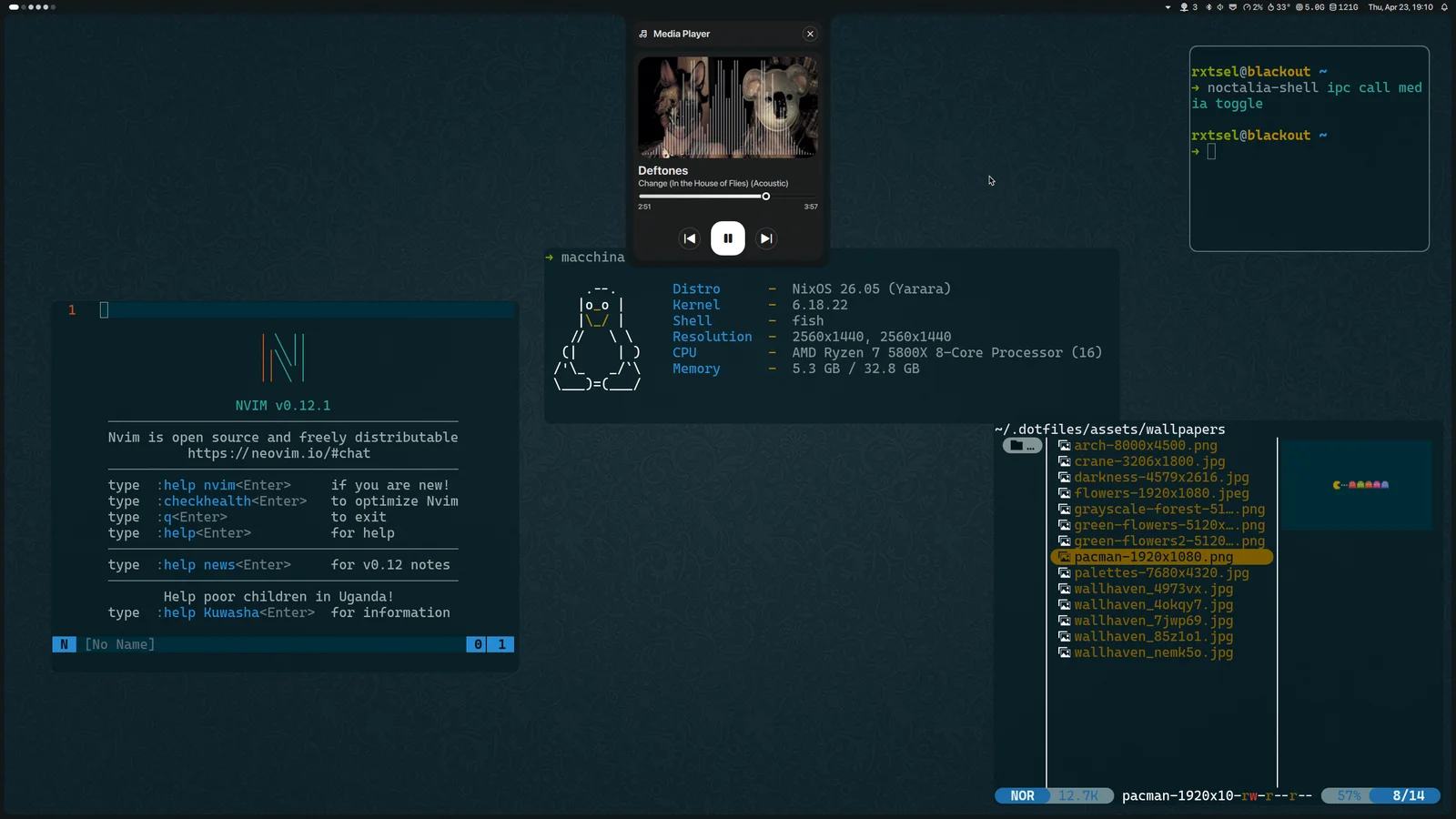
It started with a slow computer
Over a decade ago, my dad bought me a computer running Windows 7. I really liked it, but it had little RAM, little storage and was slow. I wanted it to run better, so I started looking into what made it slow and learning about hardware. At one point, I even searched YouTube for how to download more RAM.
That search led me to Linux. People said it could run on a toaster, and eventually I found Arch. It had a reputation for being hard to install, so naturally I picked it. I like a challenge, even when it means making life harder for myself.
It took me weeks to install it from the command line. That’s how I learned Linux: getting things wrong, looking them up and trying again. I tried plenty of other distributions later, but spent many years on Arch and still have a soft spot for it.
From repeating the steps to reproducing the setup
Eventually, I wrote a guide to installing Arch Linux from the command line. I’d follow it whenever I installed Linux on another computer, then copy my dotfiles over.
That worked until a dependency changed versions, introduced a breaking change or stopped working with my configuration. I spent a lot of time fixing those differences between machines.
This year, I decided to give NixOS a try. I wanted to reproduce my setup without doing all that work again. With flakes, flake.lock pins the configuration’s inputs, including nixpkgs, which provides the packages. That gives me a specific base I can reuse instead of relying on whichever versions happen to be available when I install.
Setting up my environment now takes me less than ten minutes. There are still machine-specific settings to handle, but I no longer have to rebuild everything by hand.
Keeping tools with the project
I also took to nix develop. Each project can have a flake.nix with the tools and versions it needs, without having to install them globally.