
Send and receive email from your own domain on your desktop via Resend
Screenshots
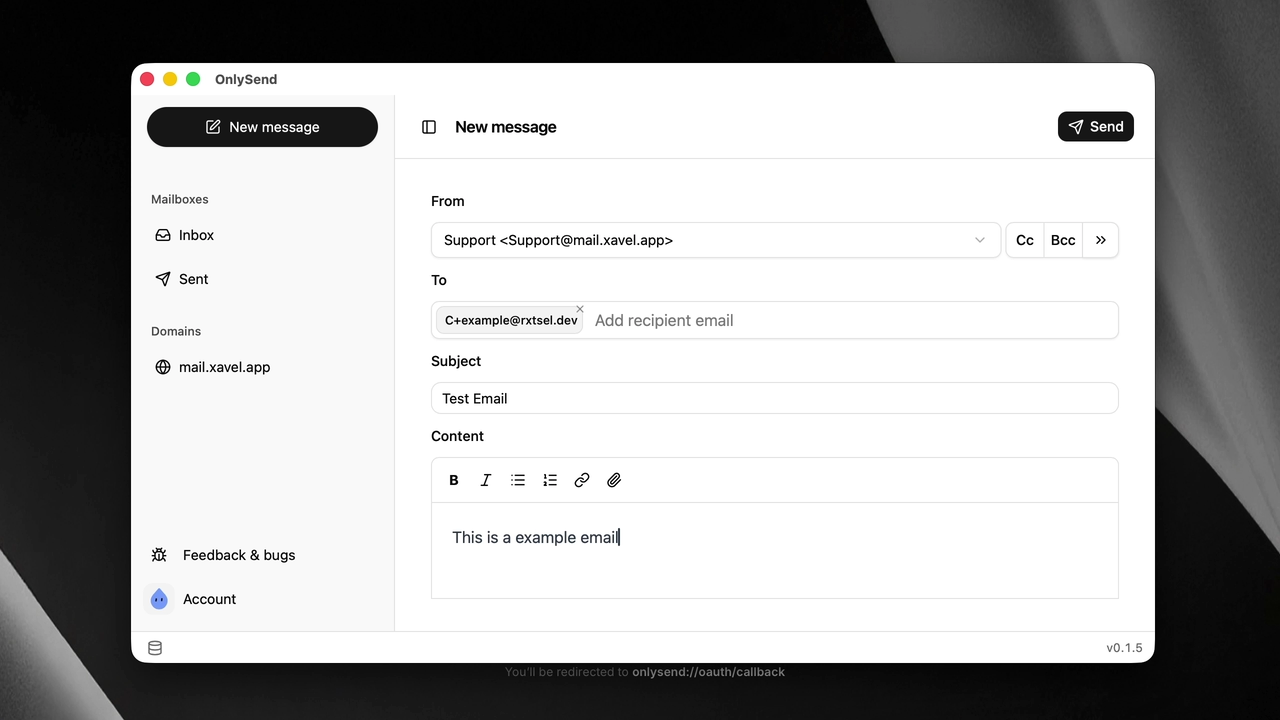
I wanted to send mail from my own domain
I started OnlySend on November 26, 2025. I already owned a domain, and paying for an email subscription just to write from an address like me@mydomain.com felt odd. Aliases and forwarding were possible, and I used Cloudflare Email Routing to receive mail for a long time, but I still had to open Gmail or Outlook to read it.
I wanted a desktop app where I could choose my sender address, write, and send. Resend handled delivery; OnlySend was the interface. That’s where the name came from: at first it only sent email.
The reply that didn’t fit in the app
Resend returned the sent message ID, which let me keep a thread together when replying. But the other half of the conversation lived elsewhere. When someone wrote to my domain, forwarding sent the message to my Gmail or Outlook account. To reply in OnlySend, I had to find it there, copy its message ID, and paste it into the app. It worked, but it wasn’t a usable email workflow.
From sending to an inbox
When Resend added inbound email support, I came back to the project. I can now enable receiving for my domains, read mail in OnlySend, and reply without switching clients. Receiving is optional: it requires changing MX records and can affect how the domain’s existing mail is routed.
The app also supports multiple accounts and sender addresses, rich-text messages and attachments, CC and BCC, automatically saved drafts, and scheduled sends. It keeps downloaded messages locally for offline reading and lets me search and filter mail. It’s built with Svelte and Rust/Tauri; Resend still processes sending and receiving. This isn’t a self-hosted mail server.
OnlySend is free and open source. Using it requires a verified domain and a Resend account, subject to that service’s limits and costs. The local archive isn’t encrypted, so I wouldn’t treat it as secure storage for sensitive mail.